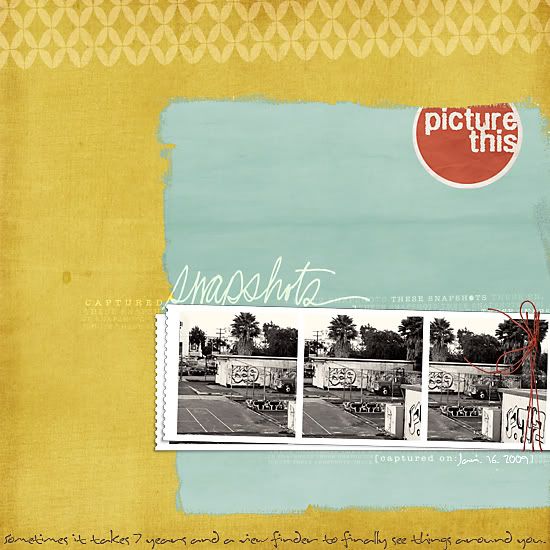
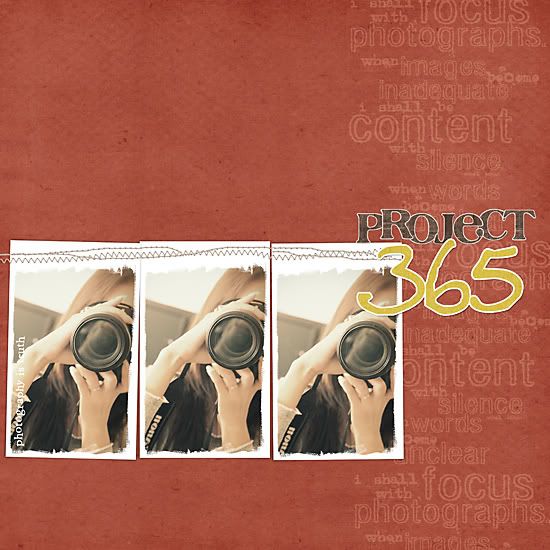
Monday, November 30, 2009

In the shop again..

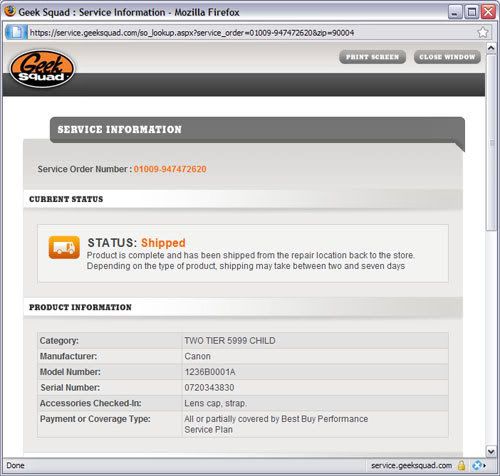
My camera that is.. Having some focus issues so thought I'd take it in for some repair. Perhaps, it's time for an upgrade? ;)

And because a photo-less post is boring and TWO photo-less post in a row is even more boring, I'll leave you with this. :)


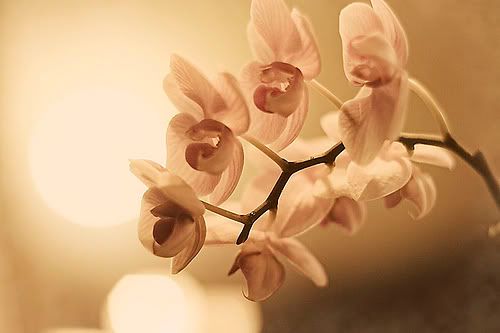
Ahh~, a rare sign of autumn seen in LA. :)

Thursday, November 19, 2009

Who am I kidding?

I often think about writing a post here but it never makes it onto paper (or the internet in this case) in fear of being judged.

I'm not that witty when it comes to words and a lot of the times, I find it hard to put my thoughts into the perfect words. Writing has never been my forte and have yet to find my voice and the thought of someone reading my blog and judging me makes me uncomfortable.

But really, does it matter? Yes, I'm the girl who wears her heart on her sleeve but shouldn't I try to get over that?! Anyway, is anyone even reading this thing? That's what I try to tell myself on a daily basis, so that I can get up the nerve to put up a post just as my outlet, a paragraph, a sentence, or even just a pretty picture.. Just for me.

Another round of inspiration

Internet is a POWERFUL thing. Sure, I always find myself hours in front of the computer until my eyes hurt, spending more than enough time going from one website to another but then some days it really pays off. It may be pictures or a few words and something just clicks, it just does.

Today it was this. sigh.


Ok here I come, I'm ready for another round of inspiration.

Monday, February 23, 2009

Project 365, starting back up

Since I got my camera back last weekend, I've been thrilled start this project back up, it seems like forever ago since I had a camera in my hands and it sure feels good... *sigh.

52/365 l Feb 22, 2009 l xti l 17-50mm@44mm l 2.8 l 1/250sec l iso 100


51/365 l Feb 21, 2009 l xti l 17-50mm@33mm l f3.5 l 1/1000sec l iso 100
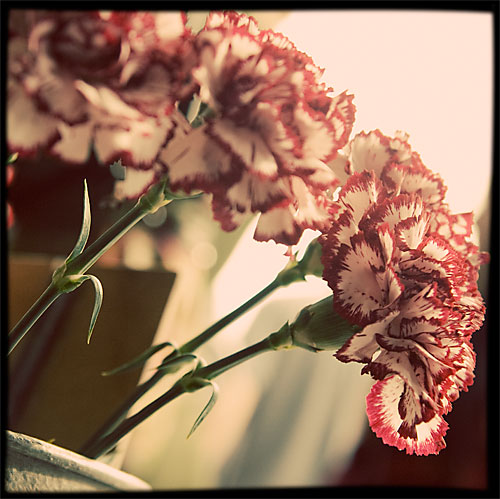

50/365 l Feb 20, 2009 l xti l 17-50mm@47mm l f 3.5l 1/250sec l iso 400


49/365 l Feb 19, 2009 l xti l 50mm l f3.2 l 1/250sec l iso 100


48/365 l Feb 18, 2009 l xti l 50mm l f1.8 l 1/100sec l iso 1600
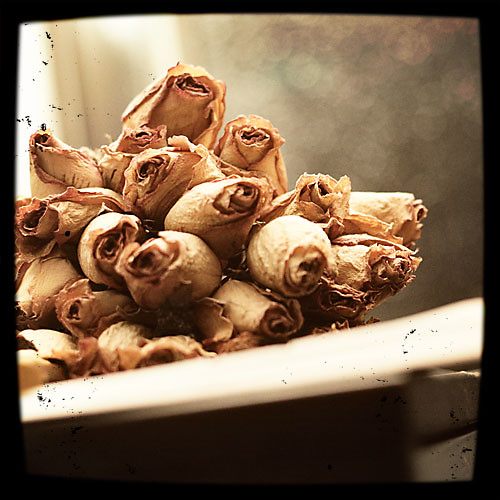

47/365 l Feb 17, 2009 l xti l 50mm l f2.2 l 1/100sec l iso 1600
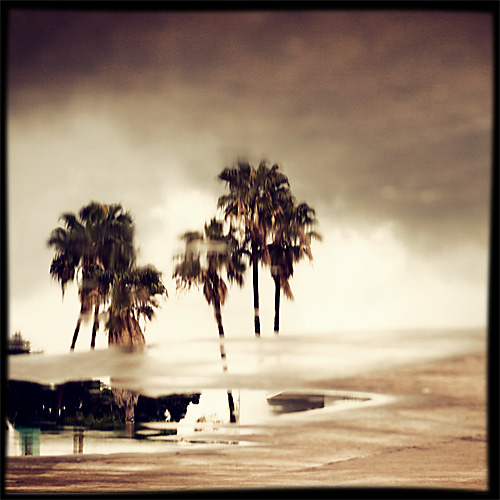

46/365 l Feb 16, 2009 l xti l 50mm l f2.2 l 1/1250sec l iso 200
all Viewfinder frame by Paislee Press

Thursday, February 19, 2009

Lesson learned.

It all started last Thursday when one of my friends came over to bake our bf's some cookies for valentines day.
Just so all of you guys know, I'm not a big cooker, and although I occasionally cook and bake, I'm no master of such things but I can mimick fairly well, or so I thought, ha!
So when I read the very simple recipe, I thought, no-biggie!
It all seemed simple, maybe too simple.
Till everything went wrong.
But after 4 different batches and 7 hours later, we somehow managed to pull it off, lol! and beautifully if I may add. :)
Here's a glimpse of our chaos! (all the photos below were taken with my camera phone so please excuse the horrible quality.)


And the final product! My bf hates anything too sweet so I made him the plain heart shaped butter cookies while my friend's bf got the pretty ones with strawberry jam center!

To sum up the experience, here's what I learned about baking through this insane baking experience. I'm no patissier but I guess this is a good lesson learned. :)

-Read and FOLLOW directions carefully STEP BY STEP. Just because everything will end up being mixed together at the end, it doesn't mean that you can just mix them up together all at once! There is a reason why you should mix certain ingredients first so FOLLOW the directions!
-Be sure to not mistake 1/4 teaspoon of salt for 1/4 cup of salt or you'll end up with one salty batch of cookies!
-Make sure to double check if you have enough sugar and flour cause you'll most likely need more than what you have in your cupboard.
-Use a wax paper under your dough when cutting with a cookie cutter so it won't get stuck!
-If you don't know what you're doing, search google or watch some baking videios on youtube.

Other than that, my valentine's day with the bf was fabulous, the best v-day so far; it involved rose petals, candles, a new steak house, wine, heart shaped meat balls made by my bf, and my new 66" friend! :)
(Okay, I'm not normally the stuff animal type of gal but Patrick has been an exception as long as I can remember! )


In other news, I picked up my camera on Sunday and it's in working condition, (yay!) so no more crappy photos in my future blog posts, lol!!

Monday, February 09, 2009

Good-bye Bookmarks and Hello Evernote!


New technology can sometimes be a scary thing but when it makes your life a little easier, it's a good thing, it really is..

My boyfriend introduced me to Evernote the other day knowing how much I love finding new applications! When he told me that it was a tool to organize your bookmarks in a better way, I was sold! I mean, say the word "organize" and I'm all yours.. lol! Evernote is an application that holds your bookmarks as a screen shot (not just boring old links) where you can tag with key words so it's easier to find later! Now it'll be lot easier to manage my ever-growing bookmarks and I can even just highlight certain part of the website to store them (i.e. images that inspire), how cool is that?! I'm sure it has lot more functions that what I just mentioned and I still need more time to play around with this but for now, I'm completely SOLD.

If you're like me and have tons of websites bookmarked, sign up for it and say good-bye to your regular bookmarks!! :)

Thursday, February 05, 2009

When it rains, it pours..

It's raining today which makes me want to bust out my camera to take some rainy photos but...
my camera is still in the shop.
This totally sucks. :(

Tuesday, February 03, 2009

As embarrassing as it is, I'm willing to share it..

Just promise not to laugh..

Holly, our uber talented TG-coordinator has posted a challenge on the LT blog to share our 1st layout we've ever created, yikes!!!! I know it's scary and cray-embarrassing but whoever has the guts, come on and post em here for a chance to win a rak FULL of new CHA goodies!! :)

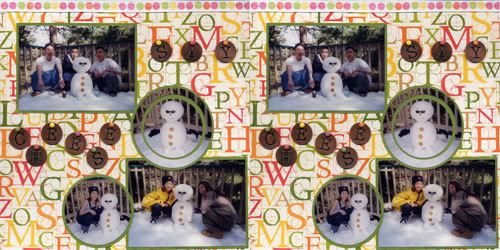
To get you started, here's my VERY first layout I created back in Dec. 2005, yes, it's a two-pager! Yikes! (In my defends, all materials were purchased at Michaels and I didn't figure out that a store dedicated to scrapbooking even existed till Feb. 06, which opened up a whole other world for me!!)


Are you guys laughing now?! lol!
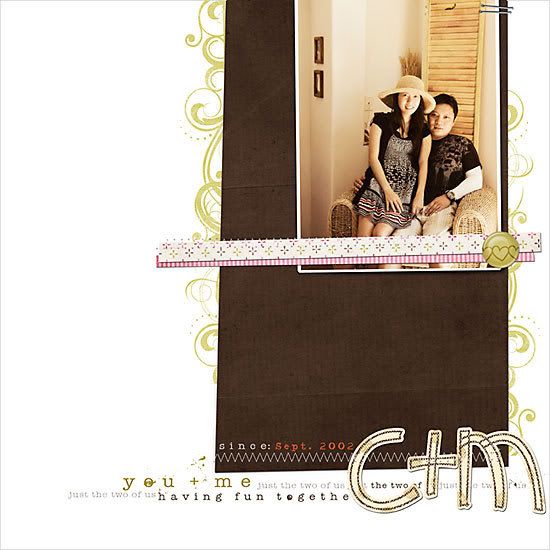
And to even out the horribly funny layout that you just saw, I'll leave you with a few digi layouts I managed to whip up in 2009! Compared to the very small number of the layouts I did in 2008, I think I'm a roll, hehe! (I'll be back to post the only 2 paper layouts that I did in 2008 once my camera gets back from the repair!)


Friday, January 30, 2009

Color management...

As I mentioned in LT forum, figuring out the right color management has been on my to-do list for some time now.. Finally, after 5+ hours last night of research and 30+ trial printouts, I think I've conquered my biggest problem, color management... It's still not perfect but it's as close as I can get it and I've decided to accept it..

So here I am posting this cause I know some of us at LT were having the same problem! So read on if color management drives you up the wall, if not, please proceed throughout your day. :)

My problem was not having consistent colors in Photoshop, web browsers, and in prints! In an ideal world, it would match perfectly but the harsh reality is that that's close to impossible.

First thing first.. Web images. Everyone's color setting may be different but mine was set to Adobe RGB (1998) in both photoshop and in camera (I read somewhere that, that was the best color setting for prints, please correct me if I'm wrong..) So when I edit photos in that color setting, and I "save as web", the colors were really desaturated. The problem was this! Apparently most browsers can not read Adobe RGB (1998) color profile(except for the safari browsers) which threw off the colors! By just a simple click of converting the profile, the original colors were maintained! :)
In photoshop, go to edit>convert to profile> select sRGB IEC61966-2.1
I'm a happy gal now..

Here's an examples. Notice the difference? (Note that if you are on Safari browser, these images may looks exactly the same due to the fact that Safari supports Abobe RGB 1998 profile)

Before converting the color profile: Adobe RGB (1998)
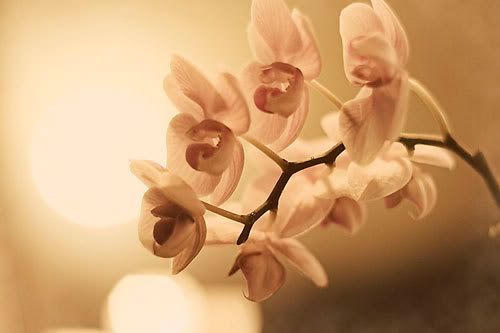
After converting the color profile: sRGB IEC61966-2.1
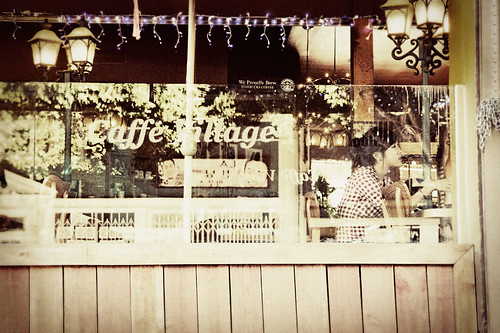
Now onto printing.. This one is a bit more difficult and you'll have to go through trial+error to get it right since everyone's printer (known as output device in the article) is different, but for me, I found Print workflow 2 to be most accurate. To get started, I found this article very useful, hope you do too! :)

In other news.. My camera is still in the shop and I'm going fishing with the bf & some friends for the first time and I don't have a camera to document it. :(

ETA: If you're a MAC user, running on a Safari browser, using Adobe RGB (1998) color profile, and the above images looks the same to you, you may still want to convert the color profile because rest of the world who are not on a Safari browser is probably not seeing the colors you are seeing.. But of course, that's only if that matters to you.. :)

Wednesday, January 28, 2009

Completely dead.

So.

I haven't had the best week.
It all started Saturday when I attended the CI & SEI sneak preview party and went to dinner with a few friends. I'm not sure if it was the too-many-ice cream-serving I had at those 2 parties or the way too salty BLT-T(BLT with turkey) I had for dinner but that night I suffered from horrible food poisoning. Needless to say, I wasn't able to make it to CHA with Cathy as planned. sigh.
Really bummed about that.


Just as I was starting to feel better, my camera decided to die out on me last night! It wouldn't have been that big of a problem since my camera never really saw the light of day but ever since I started Project 365, I've been taking photos everyday and it has become somewhat a routine for the past few weeks. And now, that will come to a screeching halt at least till I can borrow my brother's camera.. :(
Really, REALLY bummed about that.
I'm gonna take it in for a repair (good thing I got the extended warranty from Bestbuy, whew~) and hopefully it'll be fixed before I know it.. Crossing my fingers on that one..

Ok, enough whining and I'll leave you with the some of the photos from Project365, you can view the rest here.

14/365: xti l 17-50mm l f4.0 l 1/200sec l iso 800
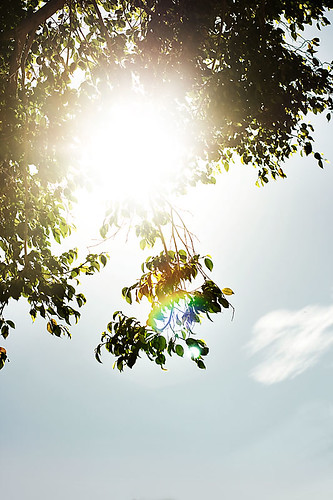

20/365: xti l 50mm l f11 l 1/250sec l iso 100
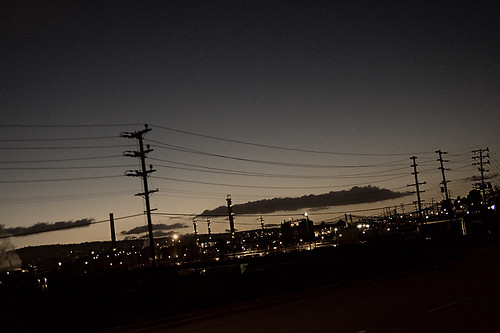

25/365: xti l 17-50mm@29mm l f2.8 l 1/100 sec l iso 1600
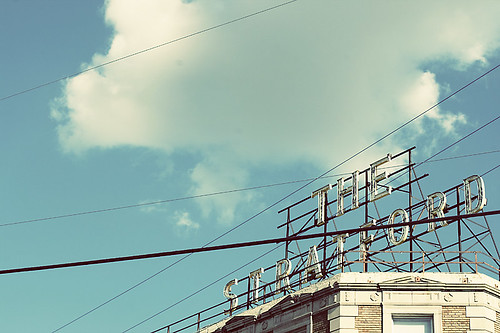

26/365: xti l 50mm l f13 l 1/200sec l iso 100
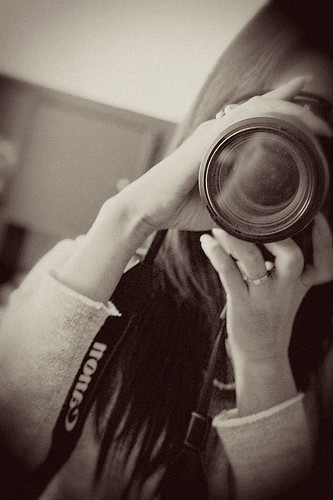
Thursday, January 15, 2009

Photos, memory card to computer

Back in April 2008 I decided to switch over to shooting in RAW, and I know this because the only reason I decided to switch over was cause I was attending a friend's graduation where the lighting was just horrid and I thought shooting in RAW was 100% forgiving (big mistake!!) but I digress... Since that time, I've been shooting in RAW ever since and because of lack of time and lack of defining my process, all my photos from July08 till now remained in my camera except for a couple that I needed of Label Tulip! I know, it's sick but I'm ready to come out of the closet now.. lol!

So, yesterday, totally inspired by our Project 365 group and the uber talented folks over on Flickr, I've been thinking a lot about my "process" and ways to simplify it. Last night, I finally pulled up a chair and started downloading the hundreds of pictures that still remain in my camera, yikes!

So my process begins.
  1. Download all the RAW files to my computer using adobe bridge
  2. Delete all unwanted photos-usually about 60-70% of them, ha!
  3. Minor tweaking in camera raw
  4. Open in photoshop to begin the editing process then save as jpg format. Right now, I'm editing as I need them but I'm hopeful that one day, I'll edit all the photos as I download them..
So what's your process? Any tips? ;)

And before I go, here's 2 pictures from Project 365 just because a post isn't a real post without any pictures, hehe.


13/365: xti l 17-50mm l f4.5 l 1/20sec l iso 1600

14/365:xti l 17-50mm l f4.0 l 1/200sec l iso 800
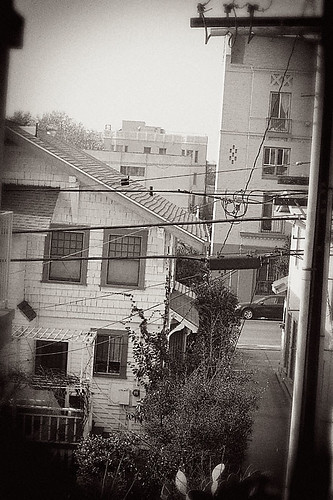
Tuesday, January 13, 2009

New year.. oh what the heck...

So, after a lot of thought, I decided to give this blog thing another try...
So many people all over the world has has been keeping a blog for quite some time now but what is it with me that blogs terrify the living cr*p out of me?!
But that must stop. Now. It's the new year and I will give it another shot. At least I can try, right?

With that, I've also decided to get on the project 365 day bandwagon. After I bought my SLR back in March 07 , I'm embarrassed to admit that it rarely sees the light of day and hopefully, partaking on this challenge will help me to get use to taking photos of the everyday instead of just special occasions. :) And maybe even improve on the quality? lol! I started this late but now is better than never right?!

Here's some really random photos I've taken so far and I intend to update my flickr (link on the sidebar) everyday or so.. (fingers crossed!) If you're also doing Project 365, please post your link cause I'd love to see it!

11/365: xti l 50mm l f5.6 l 1/650sec l iso 200
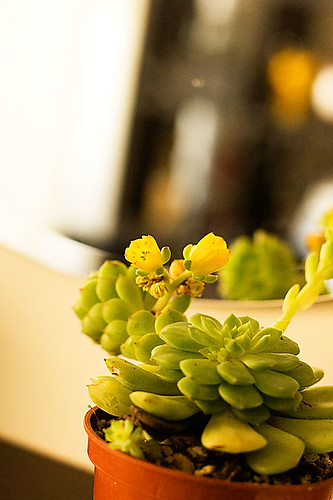
12/365: xti l 50mm l f2.8 l 1/125sec l iso 1600